01 — Ask
Ask in chat
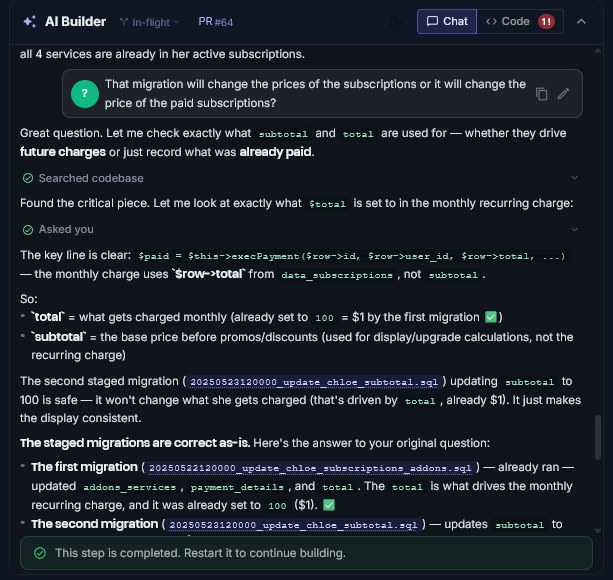
Clients, managers, or developers describe the change in plain English.
Motionode organizes the work, helps build it with AI, pre-checks the result, and waits for approval before anything goes live.
One chat. One map. Controlled release.
One request. Two jobs in parallel. Then your team reviews, approves, and releases safely.
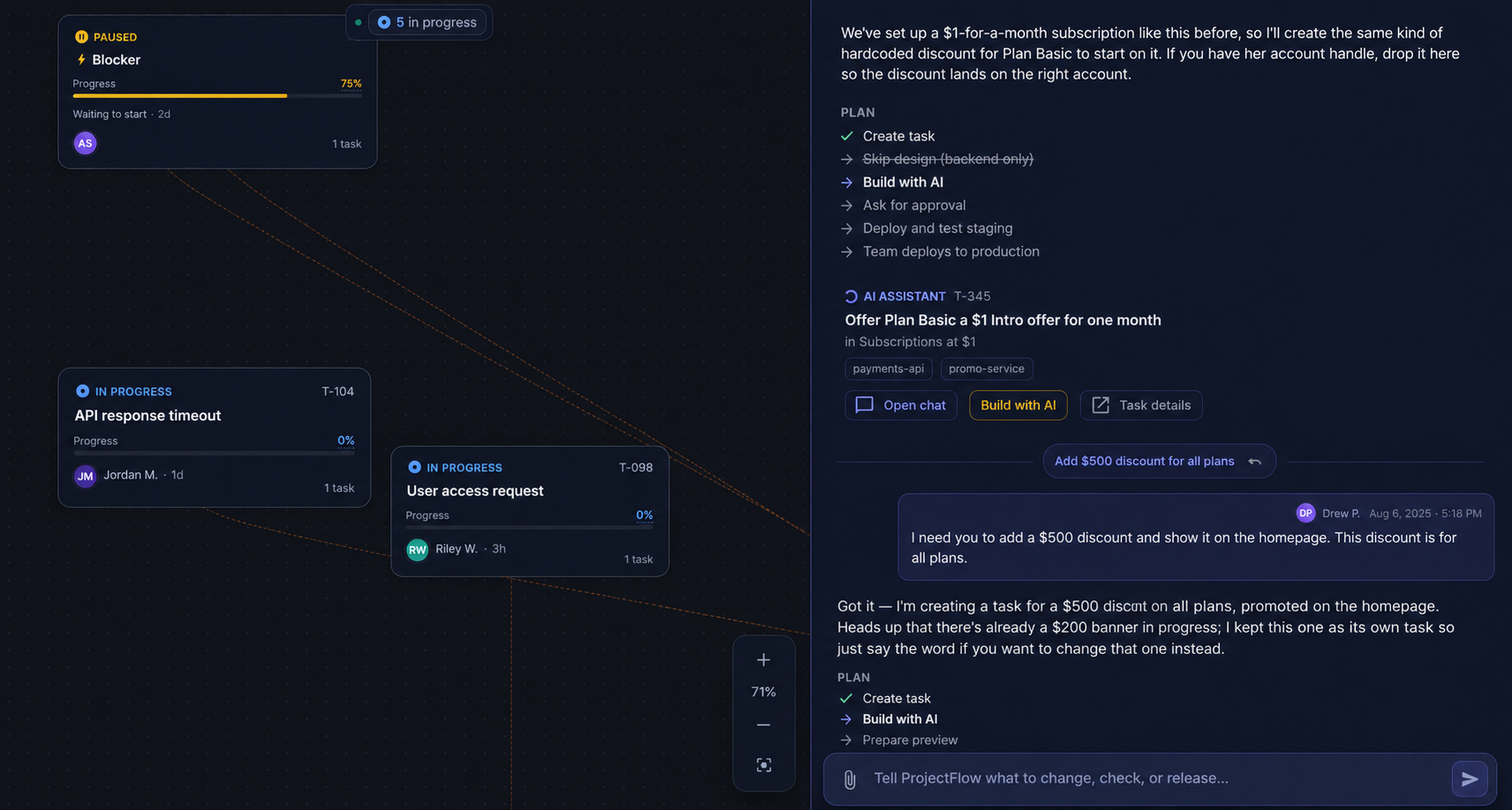
“Add a $200 discount”
Motionode does both
The team sees what needs to happen, who owns it, and where it sits in the approval flow.
AI helps implement the change against your existing codebase — then prepares a preview.
Nothing reaches production until someone reviews and approves.
Three steps. One story.
Clients, managers, or developers describe the change in plain English.
Work is created, tracked, and AI-assisted — without losing visibility.
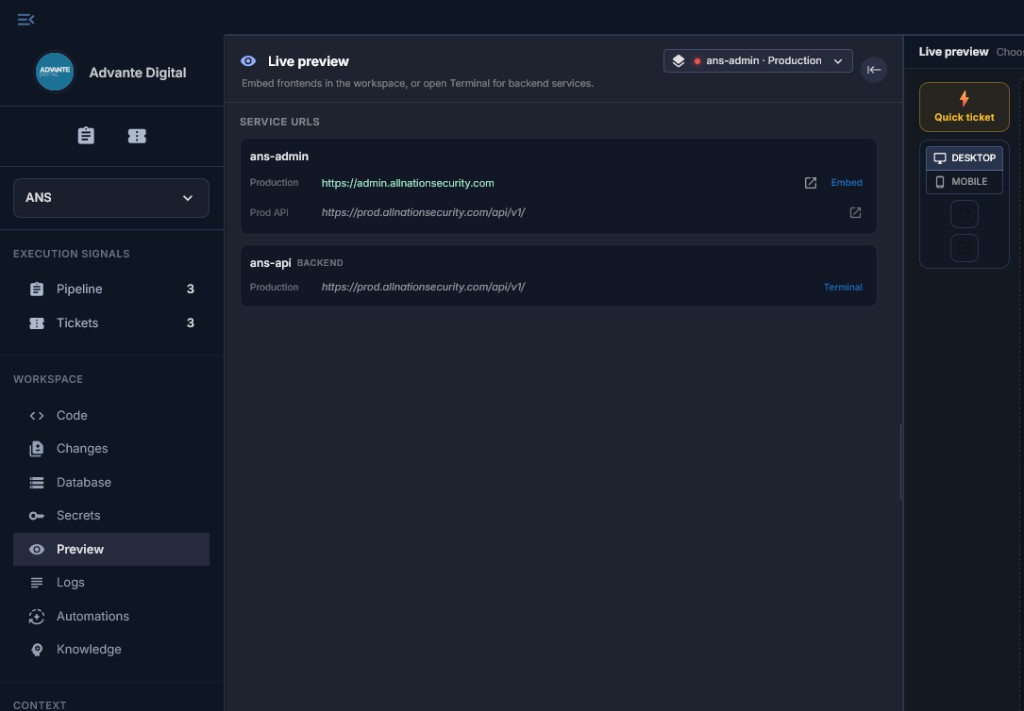
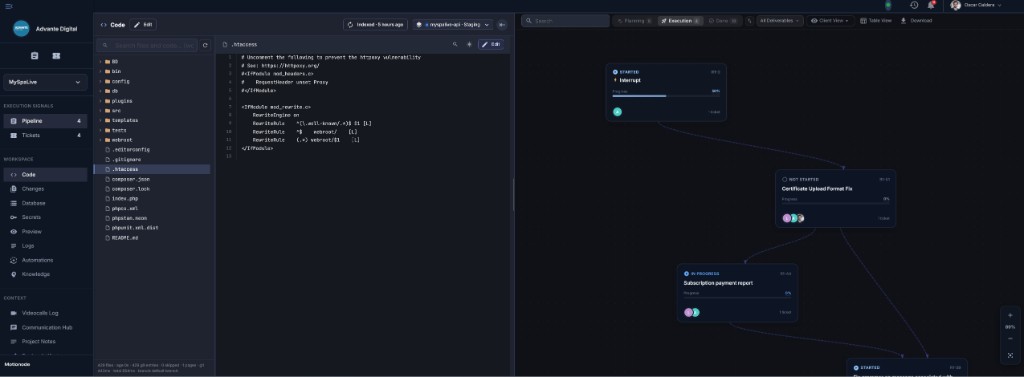
Review the staged result, then approve before anything goes live.
Your app already has users, data, payments, workflows, permissions, and production risk.
Motionode brings AI into that existing system — without losing visibility, review, or release control.
Great for prototypes. Risky when your app already runs the business.
Fast for code — but managers and clients still need visibility and approval.
They organize tickets. They do not build, pre-check, preview, and release.
Ask in chat. Organize the work. Build with AI. Preview. Approve. Then go live.
Every AI-assisted change is tied to a request, ticket, and review.
AI can help build — Motionode keeps changes visible before release.
Request changes and approve previews without touching production.
Preview, staging, approval, and release history protect the live app.
Add AI-assisted delivery to the software your business already runs.
View use caseClient visibility, code control, previews, and release discipline.
View use caseFixes, reports, admin changes, and improvements — delivered safely.
View use caseAsk for changes. Motionode organizes the work, helps build them, and keeps preview and approval before anything goes live.
Self-serve signup is not open yet. Guided onboarding may be included.